
US Passport Photo Examples
Learn what makes a valid passport photo with these official examples. Compare good vs bad photos to ensure your application is accepted.
Lighting & Shadows
Proper lighting ensures your face is clearly visible without shadows or color distortion.
Acceptable Photos
 ✓
Clear image, accurate skin tones, no shadows
 ✓
Even lighting, no shadows
Unacceptable Photos
 ✕
Photo is underexposed
 ✕
Color is not accurate
 ✕
Shadows on face and background
 ✕
Unbalanced lighting
Size & Position
Your head must be centered and sized correctly: 1 to 1-3/8 inches from chin to top of head.
Acceptable Photos
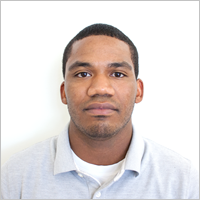 ✓
Head centered and correct size
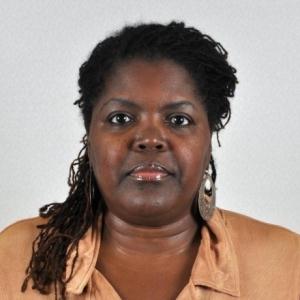 ✓
Facing camera, head centered
Unacceptable Photos
 ✕
Camera too close
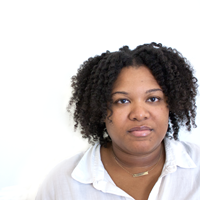 ✕
Head not centered properly
 ✕
Head size too small
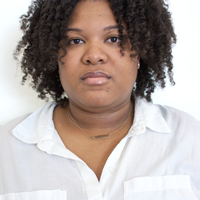 ✕
Full head not in photo
 ✕
Too far from camera
Resolution & Quality
Photos must be sharp and clear with at least 600x600 pixel resolution.
Acceptable Photos
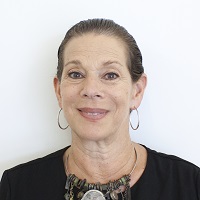 ✓
Sharp without visible pixels
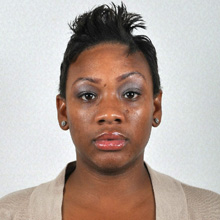 ✓
Clear, high-quality image
Unacceptable Photos
 ✕
Photo is blurry
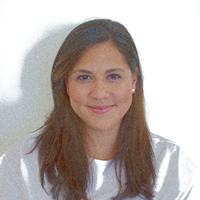 ✕
Photo appears grainy
 ✕
Low quality, appears scanned
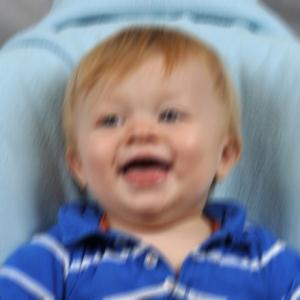 ✕
Blurry, can't see face clearly
Digital Alterations
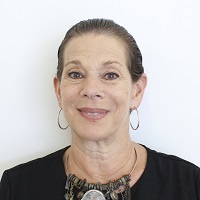
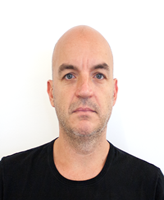
No filters, editing, or digital alterations are allowed. Photos must be original.
Acceptable Photos
 ✓
Original image, not changed
 ✓
Original digital image, no filters
Unacceptable Photos
 ✕
Background cropped, outline changed
 ✕
Digitally changed to appear thinner
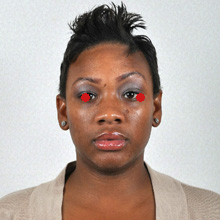 ✕
Has "red eye"
 ✕
Edited with filters
Pose & Expression
Face the camera directly with a neutral expression or natural smile. Eyes must be open.
Acceptable Photos
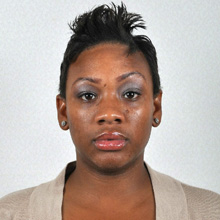 ✓
Facing camera, neutral expression
Unacceptable Photos
 ✕
Looking down, head tilted forward
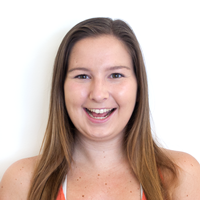 ✕
Facial expression not neutral (exaggerated)
 ✕
Head rotated, shoulders not square
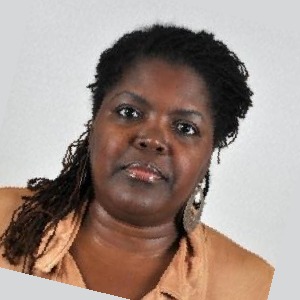 ✕
Head tilted to side
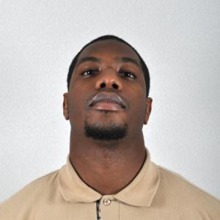 ✕
Not facing camera
Glasses & Accessories
No glasses allowed since 2016. Religious head coverings are OK if face is visible.
Acceptable Photos
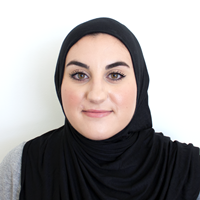 ✓
Full face visible, religious head covering OK
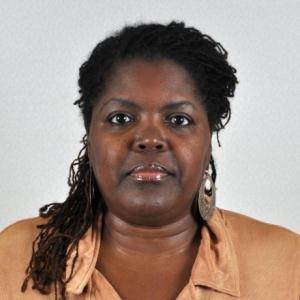 ✓
Full face visible, no glasses
Unacceptable Photos
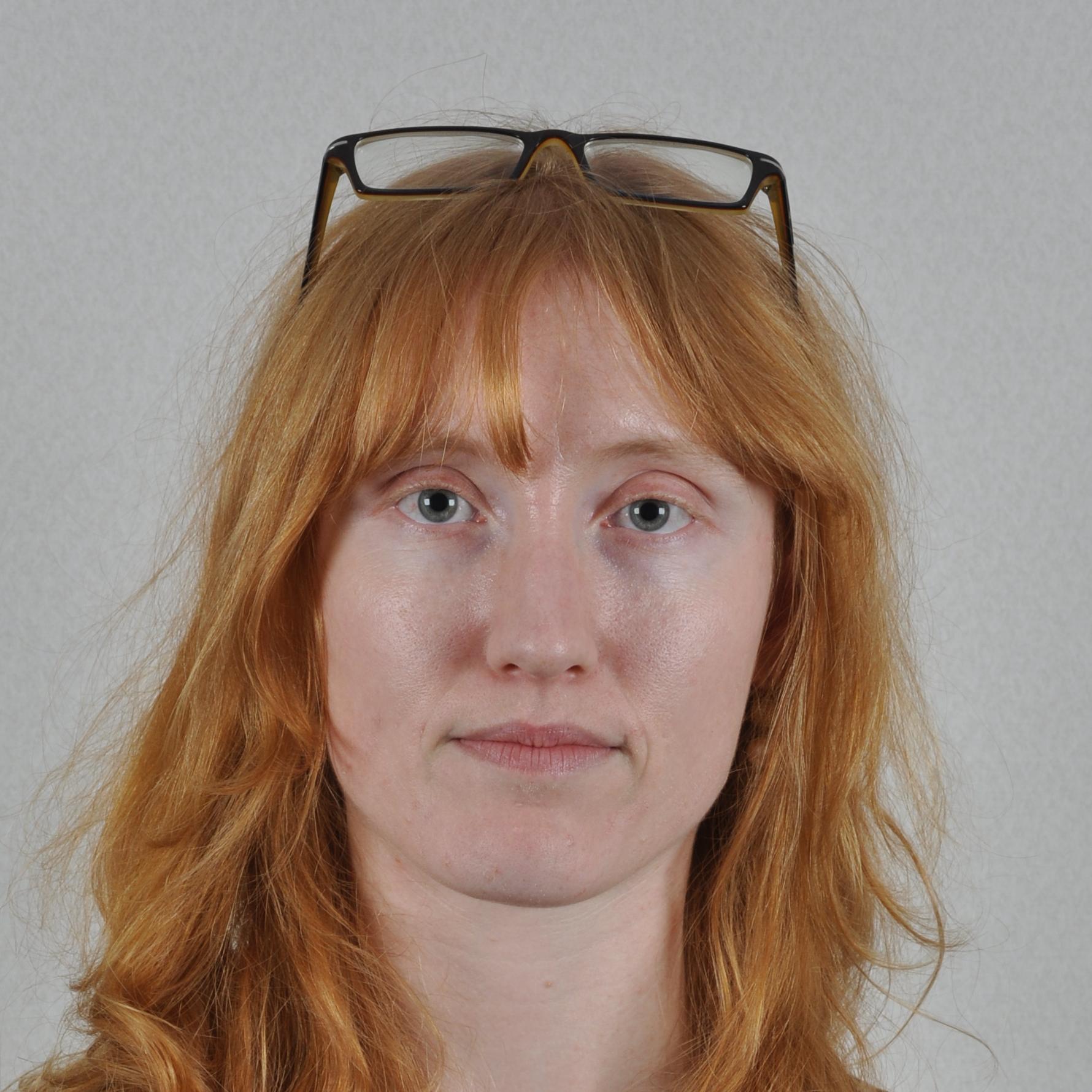 ✕
Wearing glasses (not allowed since 2016)
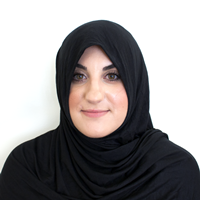 ✕
Head covering blocks face, shadows
 ✕
Wearing sunglasses
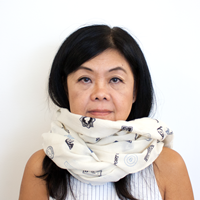 ✕
Scarf covers portion of face
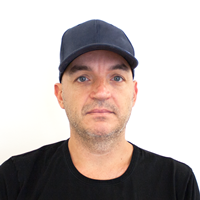 ✕
Wearing hat
 ✕
Hair blocks portion of face
Background
Background must be plain white or off-white with no shadows, patterns, or objects.
Acceptable Photos
 ✓
White/off-white, no shadows, plain
 ✓
White/off-white, shadow-free, plain
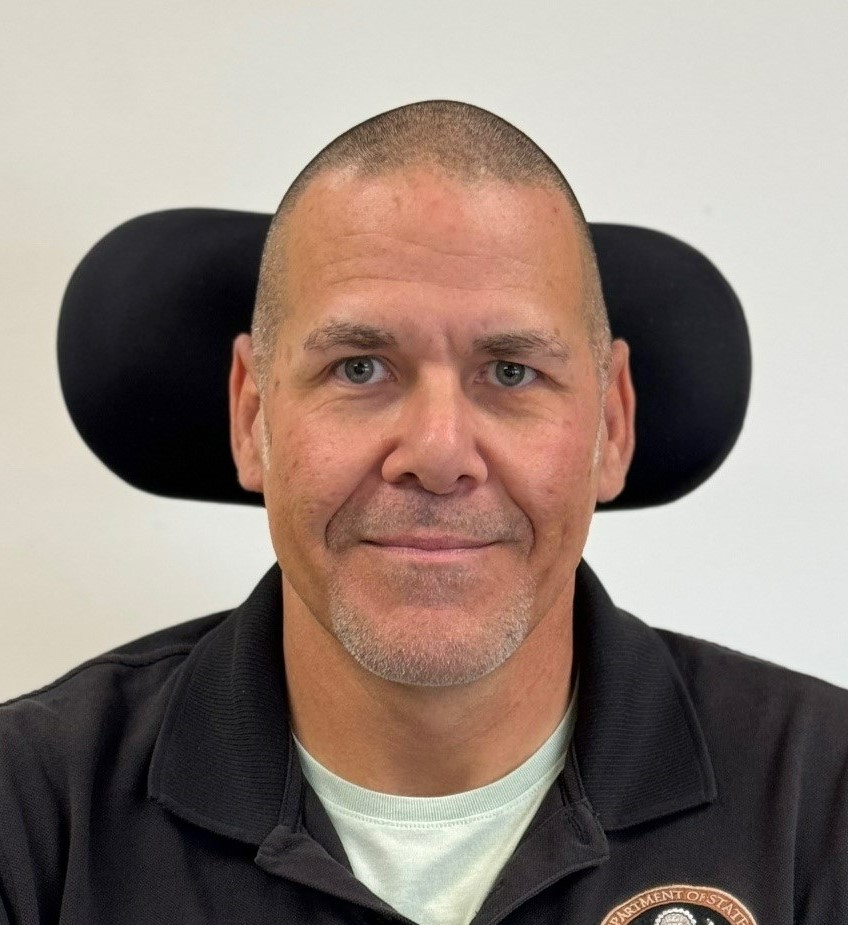 ✓
Wheelchair head support visible (acceptable)
Unacceptable Photos
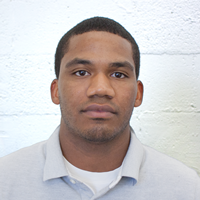 ✕
Not plain, has texture and lines
 ✕
Blue background
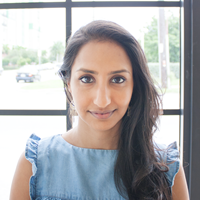 ✕
Not plain, not white
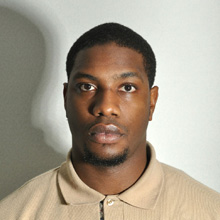 ✕
Shadows beside head
Children & Infants
Children must be photographed alone, facing forward with eyes open when possible.
Acceptable Photos
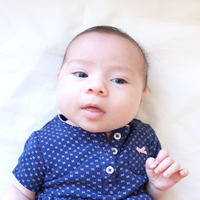 ✓
Child alone, facing camera, eyes open
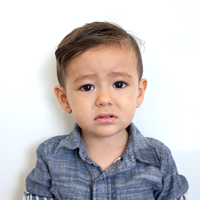 ✓
Facing forward, correct lighting
Unacceptable Photos
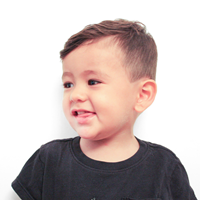 ✕
Child not facing forward
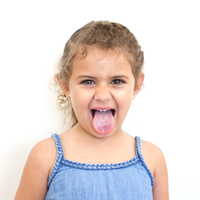 ✕
Exaggerated facial expression
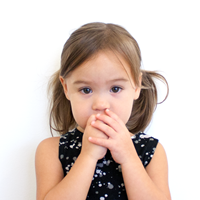 ✕
Face blocked by hands
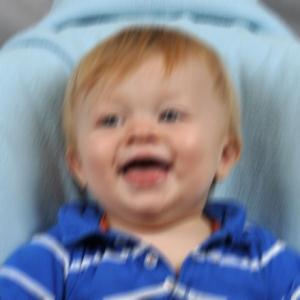 ✕
Photo is blurry
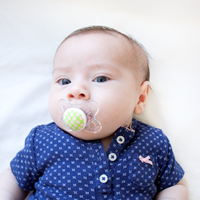 ✕
Pacifier blocks face
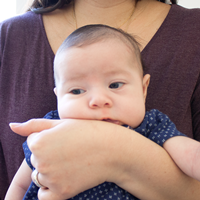 ✕
Another person in photo
Quick Requirements Summary
Photo Size
- 2 x 2 inches (51 x 51 mm)
- Head height: 1 to 1-3/8 inches
- Digital: 600 x 600 pixels minimum
File Requirements
- File size: 54KB to 10MB
- Format: JPEG, JPG, or HEIF
- Taken within last 6 months
Expression
- Neutral or natural smile
- Mouth closed (no teeth)
- Eyes open and visible
Not Allowed
- Glasses (since 2016)
- Hats or head coverings*
- Filters or digital editing
*Religious/medical exceptions with statement
Ready to Create Your Passport Photo?
Use our free tool to create a compliant US passport photo at home.