
Powerful Features
Everything you need to create perfect Passport Photos
Core Feature
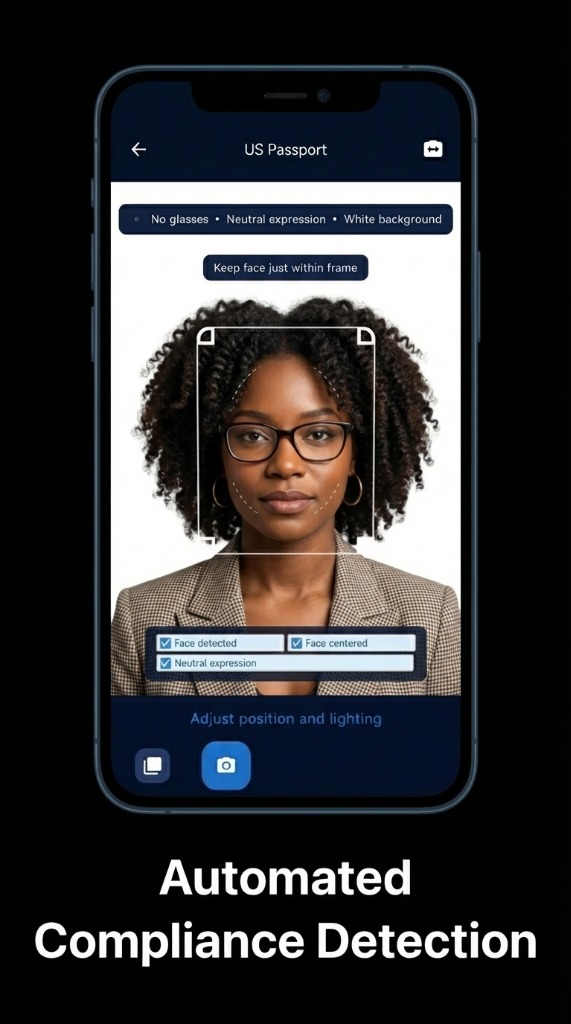
Head Position Guide
Guide zones over the crop show where your head and eyes should sit for a US passport photo. Zoom and drag until they line up, then check the rules on the checklist yourself before you download. The Android app, shown here, also detects your face and checks centering and expression live on the phone.
- ✓ Head height and eye-line guide zones
- ✓ Zoom and reposition
- ✓ Checklist of the US photo rules
- ✓ Exact 600 × 600 px output
Privacy First
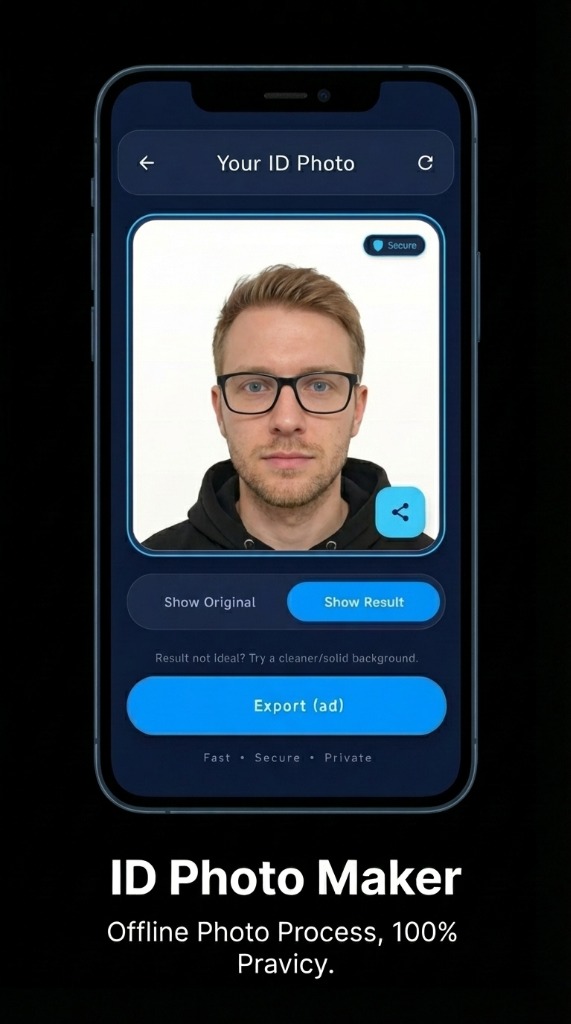
On-Device Processing
Your photos never leave your device. The web editor crops your photo in the browser, and the app processes it on the phone. No server uploads, no cloud storage.
- 🔒 No server uploads
- 🔒 On-device processing
- 🔒 No account needed
- 🔒 Your photos stay yours
US Documents
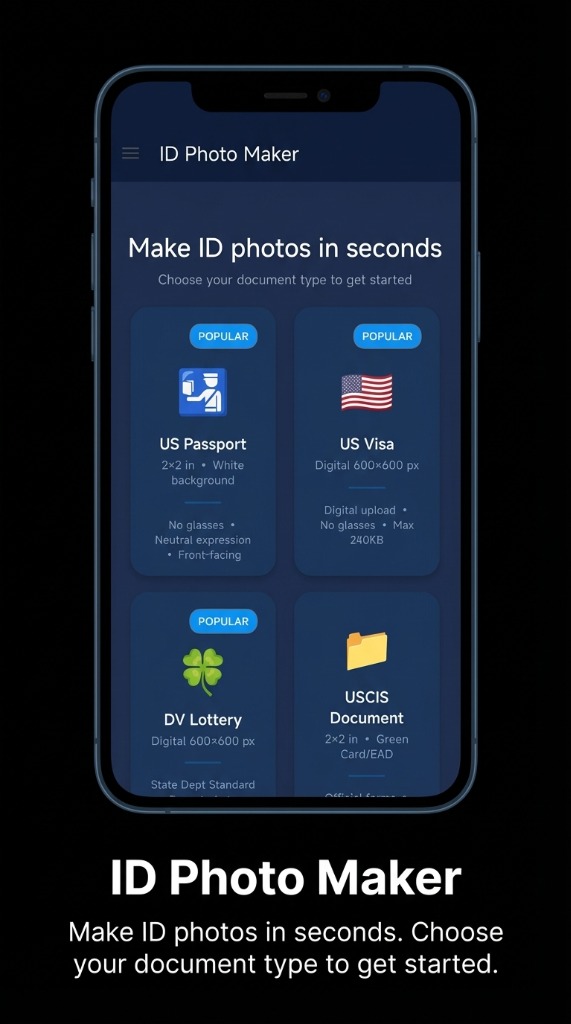
US Passport, Visa and More
The web editor makes US passport and visa photos. The Android app adds templates for other US documents, each with its own size and requirements.
- 🇺🇸 US Passport & Visa (web and app)
- 🟩 Green Card and DV Lottery (app)
- ✈️ Global Entry / TSA PreCheck (app)
- 🎓 SAT / GRE / TOEFL (app)
Supported Document Types
What the web editor makes today
US Passport
2×2 in
US Visa
2×2 in
Web Editor vs Mobile App
Choose the best option for your needs
Feature
Web Editor
Mobile App
Document Selection
✓
✓
Camera Capture
✓
✓
Photo Upload
✓
✓
Crop & Resize
✓
✓
Compliance Tips
✓
✓
AI Background Removal
—
✓
On-Device Processing
✓
✓